Why we built it
Design files hide weight. An image cropped or masked in Figma is still the whole image underneath. The crop only decides what you see, not what the file carries.
Export a page like that and all of it comes along, so a deck that looks like a handful of slides leaves as tens of megabytes. We kept running into it on our own work, and the usual compressors barely dented those files, because the weight is buried in artwork nothing on the page ever shows. The reliable fix was to go back into the design and shrink every masked image by hand before exporting again.
So we built the thing that does it instead. Then we found it handled everything else we gave it, and quickly, so we put it online for anyone who needs it.
What it does
- 01Choose a PDF
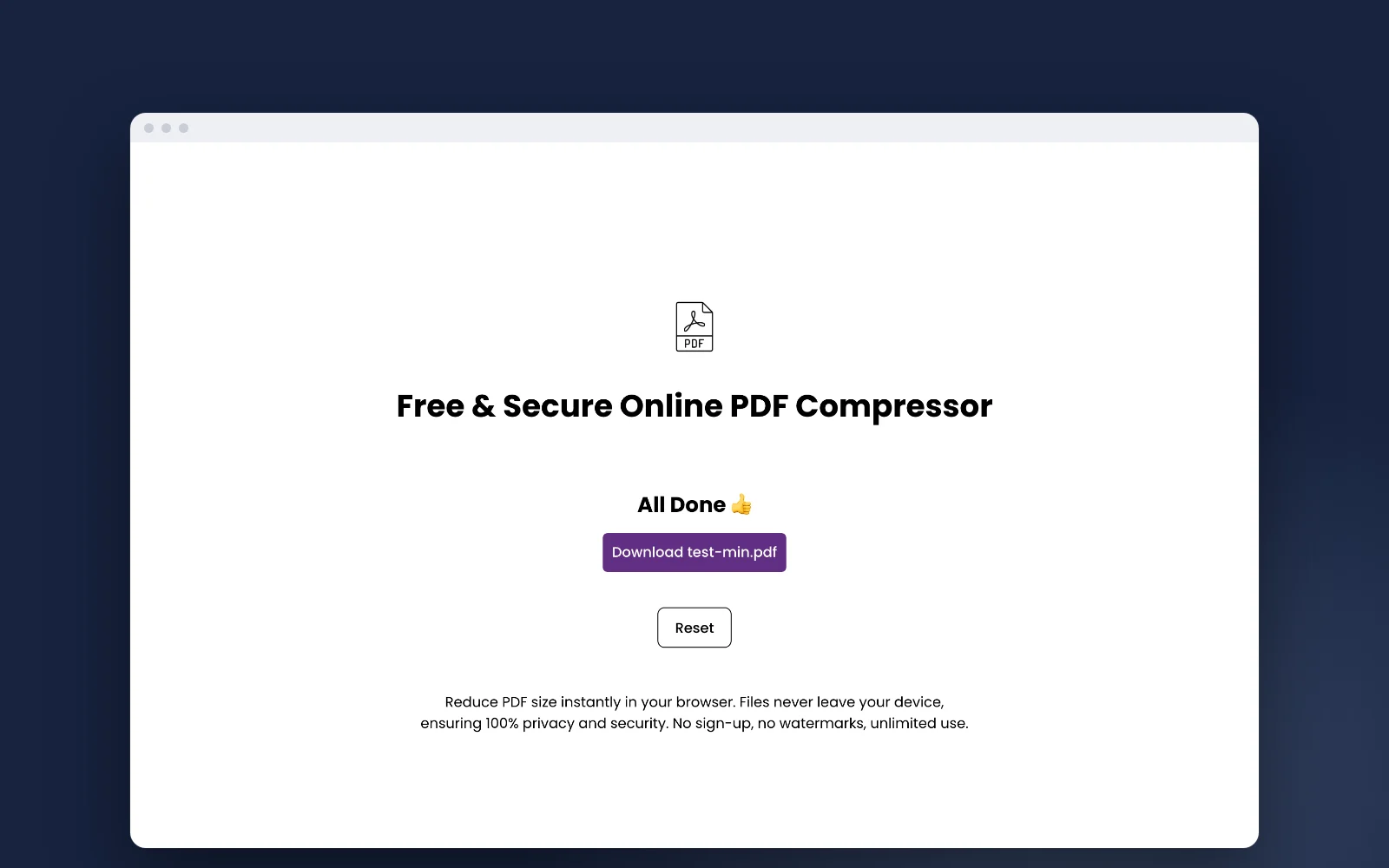
- 02Compress on your machine
- 03Download the smaller file
Nothing is sent anywhere. The file is read and rewritten in the tab you already have open, so it never reaches a server of ours or anyone else’s.
Images inside the PDF are reduced to bring the size down, while text stays sharp.
Private by design
Your PDF never leaves your device.
No upload, no sign-up, no watermark, and no limit on how many files you compress.